
cardiac ct
Dedicated tools for assessment of coronary artery disease
Reading and reporting of cardiac CT studies with server-side processing and AI-enabled segmentation.
cvi42 | Plaque
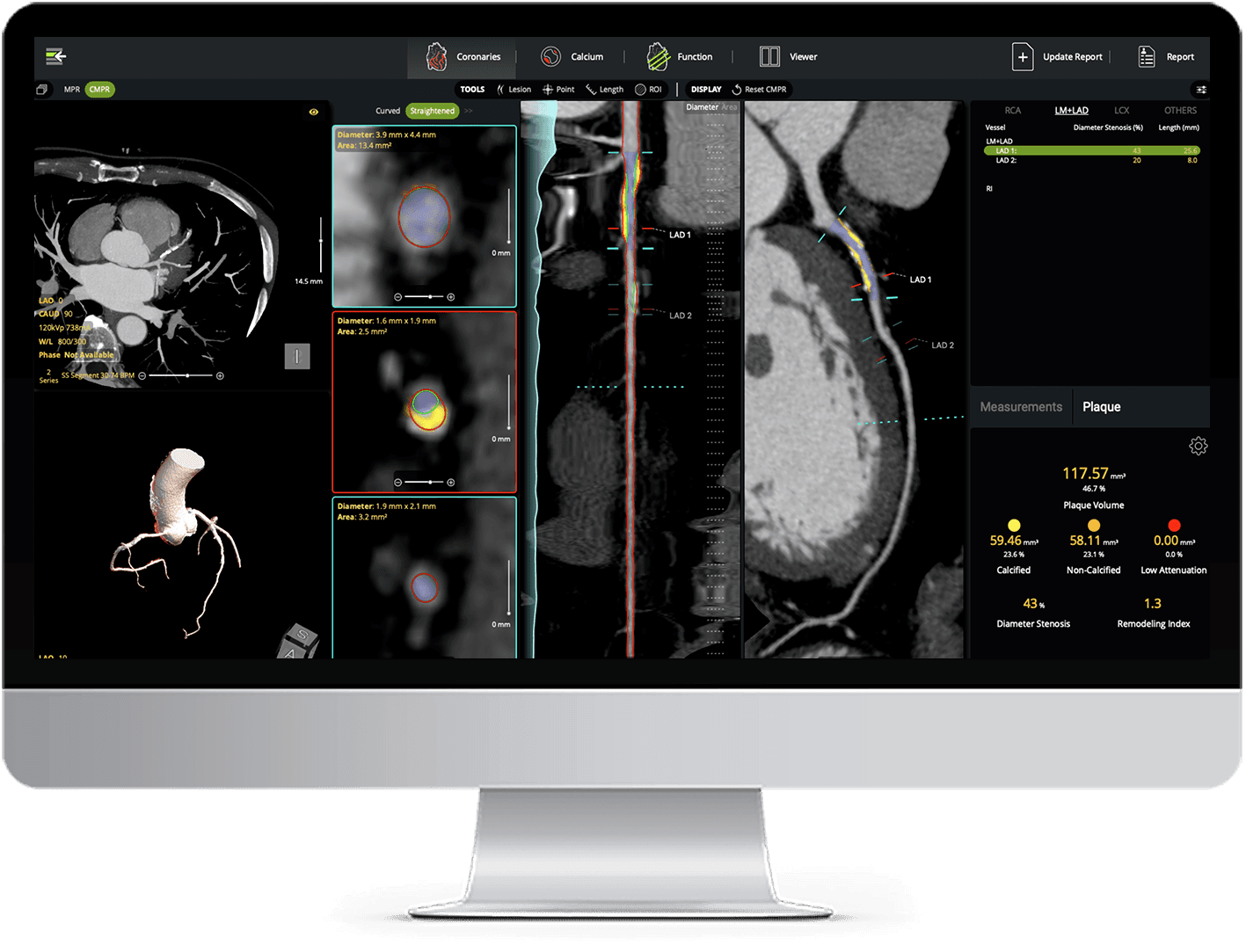
cvi42 | Plaque empowers cardiac imaging teams with AI-enabled, on-premise quantification of atherosclerotic burden. It delivers precise measurements of plaque volume, burden, composition, and distribution, all fully integrated into your CT workflow.
- AI-automated coronary lumen and wall segmentation
- Detailed assessment of calcified, non-calcified, and low-attenuation plaques
- Per-lesion and per-vessel plaque analysis
- Remodeling index assessment helps identify high-risk plaques beyond stenosis severity
- Enhanced coronary reporting
cvi42 | CORE CT Coronaries
Open a study with completed AI segmentation of the coronary artery.
- Zero-click primary and secondary coronary artery centerline segmentation
- 2-click stenosis assessment
- MPR and CMPR visualizations
- Automatic 3D heart view generation for editing and quality assessment
- Lesion-level total occlusion marking
- Single- and dual-reference marker for stenosis calculation
cvi42 | CORE CT Calcium
Open a calcium scoring study with AI segmentation already completed.
- Zero-click AI powered calcium definition
- Simple editing with cluster propagation
- Percentile risk display based on the MESA study*
*Bild DE, Bluemke DA, Burke GL, et al. Multi-Ethnic Study of Atherosclerosis: objectives and design. Am J Epidemiol 2002;156:871–81.
cvi42 | CORE CT Function
Open a study with AI segmentation for Cardiac CT heart function already completed.
- Server-side pre-processing and 3D-based, AI-driven left and right heart ventricles segmentations.
- User-friendly tools for manual editing, such as AutoFOV viewport alignment.
- Endoluminal view and overlay hiding capabilities, enabling a clearer understanding of underlying anatomy.
cvi42 | Strain
CT Strain is for research use only.
Unlock deeper clinical insights with our new strain AI designed and trained for Cardiac CT studies. By pre-processing multi-phase volumetric CT studies and leveraging data-driven analyses, cvi42 now allows you to compare subtle changes over time and detect early signs of dysfunction.
- Comprehensive view of myocardial tissue deformation, regional dysfunction and the heart’s mechanical properties, all without additional scans.
- AI-based re-slicing of multi-phase volumetric CT studies to create short-axis and long-axis series for strain assessment.
- AI-based contouring of reformatted series.
- Automated calculation of radial, circumferential and longitudinal peak strain, strain rate, displacement, velocity, torsion and torsion rate.
- Easy to deploy and integrate smoothly into your existing clinical environment
Reporting
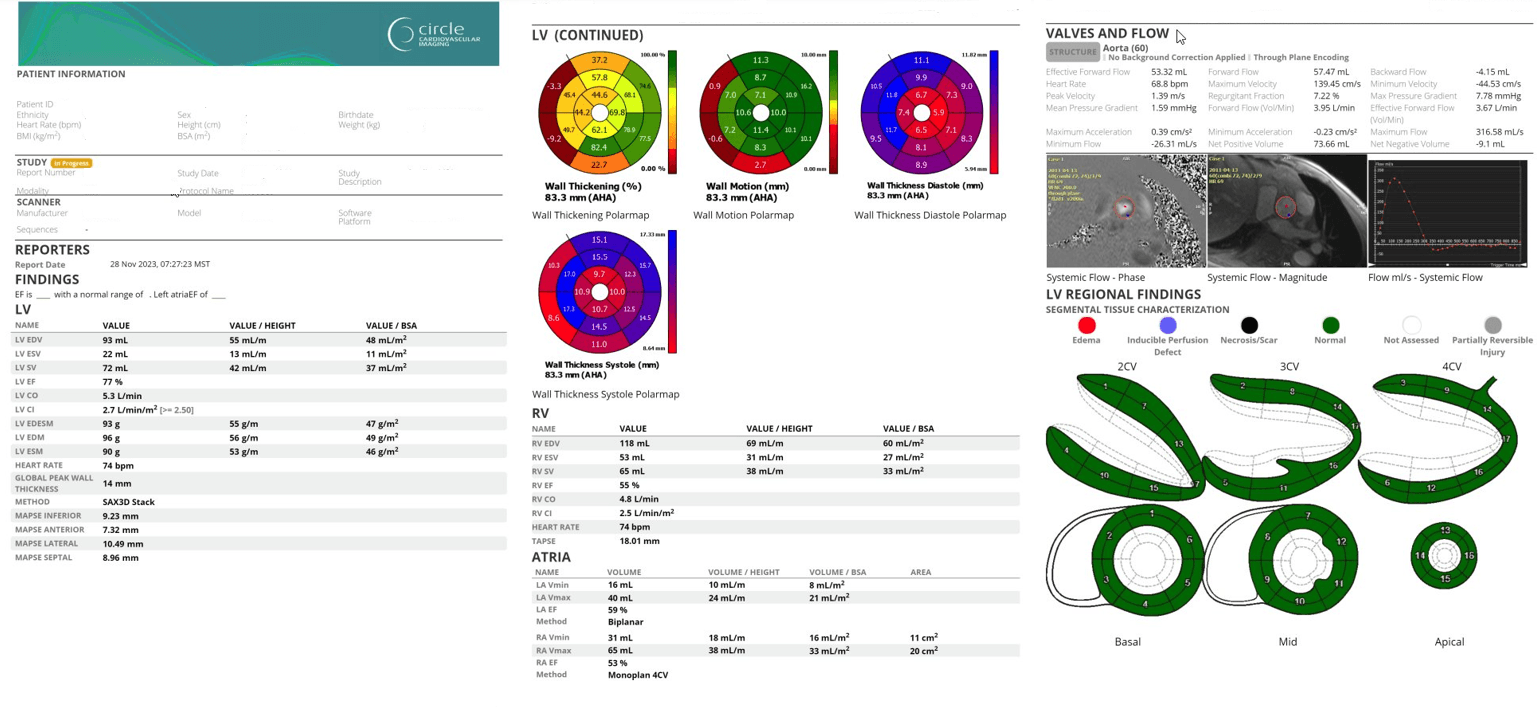
cvi42 offers customizable structured reporting for cardiac CT evaluation. Build the report you need for daily clinical practice.

Standard Integrated Report
- Simple Clinical data reporting
- Customizable template builder
- Infographics, diagrams, screenshots and measurements
- Export PDF, text, DICOM secondary capture and DICOM encapsulated pdf
- Simple data classifications
- Configure consistent findings text including values and results
- User permissions configuration
- CAD-RADS v2.0 for standardized reporting*
- DICOM SR support
**https://www.jacc.org/doi/10.1016/j.jcmg.2022.07.002

cvi42 | Report
Additional license required
- Includes all standard reporting functionalities
- Advanced Database Search
- Browser Access
Web Viewer
Enables viewing study images and editing patient reports from supported web browsers. Access the information you need for an efficient cardiac imaging workflow that works for you.
- Open a calcium scoring study with AI segmentation already completed
- Review report and images with referring physicians
- Show patients their images in the exam room
- Improve collaboration across your health care team by reviewing reports easily
Web Viewer CT Functionalities
- Edit/update/finalize reports.
- Apply study tags to organize your cases.
- Add basic measurements (Line, ROI, Arrow).
- View pre-populated Calcium Scoring results, re-assign calcium scoring labels and promptly update results within the report.
Why Circle?
Our automated platform increases productivity while streamlining reporting. Reclaim lost time by optimizing decision-making with our cutting-edge AI platform and our unique expertise.

Our Technology Enables Informed Decisions for Fast and Accurate Diagnoses

Automated Workflows Increase Time for Patient Care

Unmatched User Experience & Support You Can Count On
AI Plaque Analysis
AI-powered coronary plaque quantification with detailed reporting - fully interactive and integrated into your CT workflow.